
Why WhatsApp Marketing Behaves Differently From Email or SMS
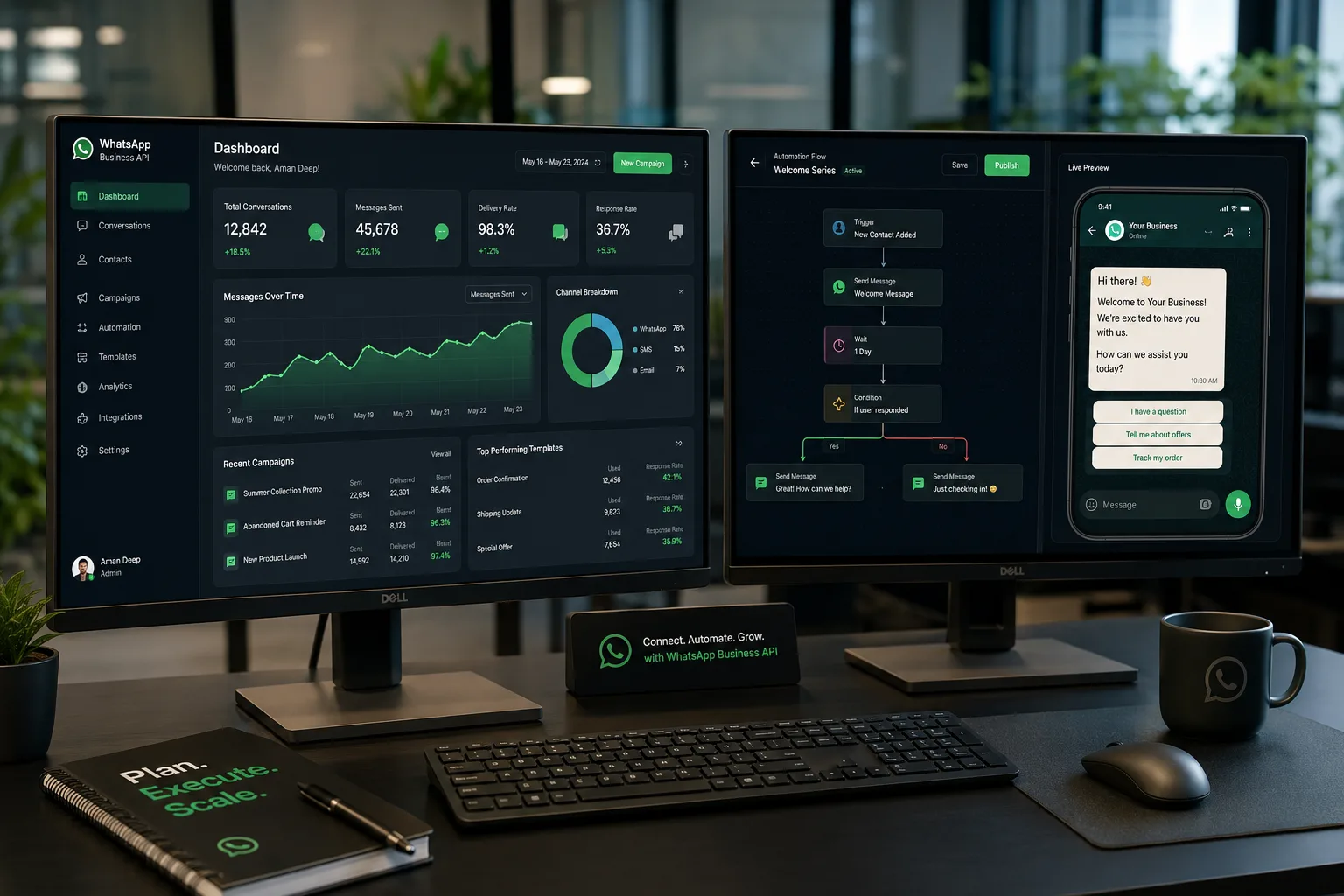
WhatsApp has a 98%+ open rate window that email will never touch, but it also comes with strict opt-in rules, template approval queues, and per-conversation pricing set by Meta. A campaign that ignores these mechanics either gets numbers banned or burns budget on rejected templates. Urgent IT Solution builds WhatsApp marketing around the platform's actual rules - session vs. template messaging, the 24-hour customer service window, and category-based pricing (marketing, utility, authentication) - so the campaign math works before a single broadcast goes out.
What's Actually Involved in a WhatsApp Marketing Setup
WhatsApp Business API Provisioning
We register the business on Meta's WhatsApp Business Platform through a Business Solution Provider (BSP) such as Interakt, Gupshup, AiSensy, or the direct Cloud API, depending on message volume and budget. This includes Facebook Business Manager verification, phone number migration from the WhatsApp Business App (if applicable), green-tick display name review, and setting up webhook endpoints for two-way message delivery.
Template Design and Approval Management
Every promotional or utility message sent outside an active customer conversation needs a pre-approved template with defined variables, buttons (quick reply, call-to-action, URL), and a category tag. We draft templates that match Meta's content policy - no purely promotional language in "utility" categories, correct handling of {{1}} placeholders, and fallback copy for rejected submissions - because a rejected template mid-campaign stalls the whole send queue.
Broadcast Segmentation and List Building
Contact lists get segmented by opt-in source, purchase stage, language, and past engagement rather than sent as one flat list. We connect the number to the client's CRM or e-commerce platform (Shopify, WooCommerce, custom ERP) via API or middleware like Zapier/Make, so broadcast audiences update automatically as customers move through funnels - cart abandonment, post-purchase, re-engagement, win-back.
Automation Flows We Build
Beyond one-way broadcasts, we build conversational flows using chatbot builders (WATI, AiSensy flow builder, or custom Node.js middleware on the Cloud API) that handle:
- Lead qualification through button-based menus before handoff to a sales rep
- Order status and shipment tracking pulled live from the client's order database
- Appointment booking with calendar sync and automated reminders
- FAQ deflection so support staff only see conversations that actually need a human
- Drip sequences that stay inside the 24-hour session window to avoid template costs
Where the business needs something a template chatbot can't handle - conditional logic based on order history, multi-step catalog browsing, payment link generation - we write custom middleware that sits between the Cloud API webhook and the client's backend, rather than forcing the flow into a rigid drag-and-drop builder.
Catalog and Commerce Features
For product-based businesses, we set up WhatsApp Catalog (synced from Meta Commerce Manager or a product feed), enable the cart experience inside chat, and integrate payment links or WhatsApp Pay where regionally available. This turns a broadcast into a closable transaction inside the same thread instead of routing customers to a website and losing them at the handoff.
Compliance, Deliverability and Cost Control
We build with three constraints in mind that most WhatsApp campaigns get wrong:
- Opt-in proof - every contact added to a broadcast list needs a documented consent trail (web form, checkbox, keyword reply) since Meta can suspend numbers for unsolicited messaging complaints.
- Quality rating management - WhatsApp assigns numbers a quality tier (green/yellow/red) based on block and complaint rates; we monitor this and throttle or pause sends before a number gets rate-limited or flagged.
- Conversation-based pricing - since Meta bills by conversation category rather than per message, we structure flows to maximize free-tier service conversations and minimize unnecessary marketing-category triggers.
How a Typical Engagement Runs
We start by auditing the existing contact base and consent status, then confirm whether the client needs a new BSP account or is migrating from an existing WhatsApp Business number. Template drafts go through Meta review in parallel with automation flow-building, so the account isn't sitting idle waiting on approvals. Once templates clear, we run a controlled pilot broadcast to a small segment to check delivery rates and quality rating before scaling to the full list. Reporting covers delivered/read rates, click-throughs on CTA buttons, conversation costs, and conversion events tied back to the CRM.
Who Actually Needs This
This service fits businesses with an existing customer or lead database who need direct-response messaging - D2C brands running abandoned cart recovery, real estate and education businesses nurturing inquiry-stage leads, healthcare and service providers sending appointment reminders, and retail chains pushing catalog-based promotions. It's a poor fit for cold outreach to purchased lists; Meta's policies and deliverability mechanics make that approach unsustainable regardless of who builds the setup.
What Urgent IT Solution Delivers
Depending on scope, deliverables include a provisioned and verified WhatsApp Business API number, an approved template library, configured automation flows, CRM/e-commerce integration, catalog setup, and a reporting dashboard tracking delivery, engagement and conversation spend. Post-launch, we handle template refreshes as campaigns evolve, monitor quality ratings, and adjust segmentation based on actual response data rather than leaving the automation to run unmonitored after go-live.
