
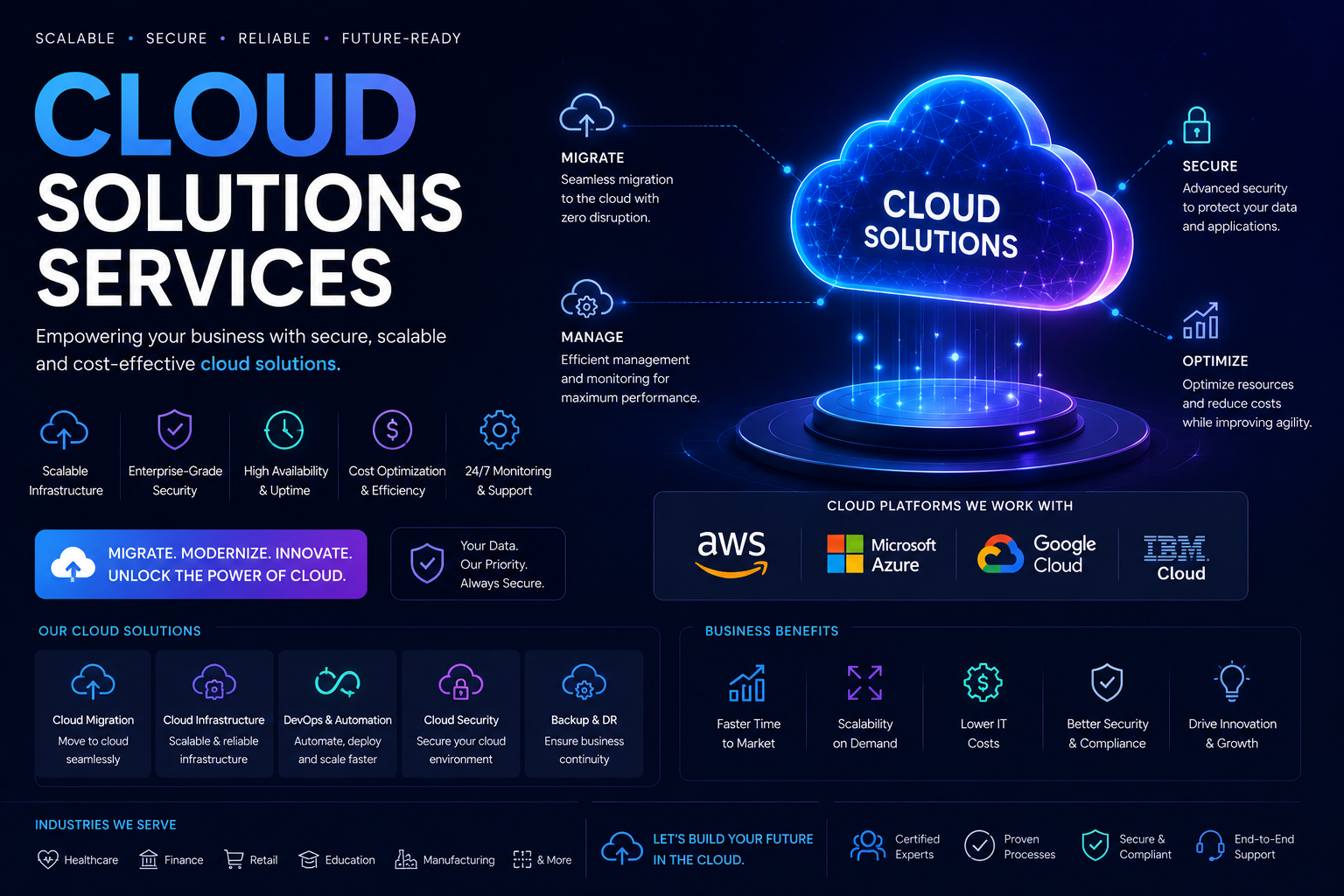
What "Cloud Solutions" Actually Means on This Page
This service covers the work of moving, building, or running applications and infrastructure on AWS, Microsoft Azure, or Google Cloud Platform - not generic "IT support with a cloud label." It includes designing a VPC/VNet layout with proper subnetting and security groups, choosing between EC2/VM instances, containers (Docker + ECS/EKS/AKS/GKE), or serverless (Lambda, Azure Functions, Cloud Run), setting up managed databases (RDS, Cosmos DB, Cloud SQL), and wiring up load balancers, auto-scaling groups, and CDNs so an application behaves predictably under real traffic. If your current setup is a single VPS running everything, or an on-prem server nobody wants to touch anymore, this is the service that replaces it with something that can be rebuilt from code in an afternoon.
Who Actually Needs This
- Applications outgrowing shared hosting or a single VPS - traffic spikes cause downtime, deployments require SSH-ing into a box and manually restarting services.
- Businesses under compliance pressure - needing audit logs, encryption at rest, defined IAM roles, and network isolation that a shared host cannot provide.
- Teams stuck with manual deployments - every release is a risky, undocumented process instead of a pipeline anyone on the team can trigger.
- Companies with unpredictable or seasonal load - e-commerce during sales events, EdTech platforms during exam season, SaaS products acquiring customers in bursts.
- Organizations paying for over-provisioned servers - fixed-capacity infrastructure sized for peak load that sits mostly idle the rest of the month.
Architecture Decisions We Actually Make With You
Single Cloud vs. Multi-Cloud vs. Hybrid
Most clients don't need multi-cloud - it adds operational overhead without a clear reason. We default to a single provider unless there's a concrete driver: data residency rules that split workloads across regions/providers, an existing Azure AD/Office 365 investment that makes Azure the sensible default, or a client already locked into GCP's BigQuery for analytics. Hybrid setups (on-prem database with cloud-hosted application tier) come up mainly for clients with legacy systems they can't migrate yet but need cloud-facing services in front of.
VMs vs. Containers vs. Serverless
We size this decision against the workload, not against trend. A steady, always-on API with predictable load usually sits fine on managed VMs or a small ECS/Fargate cluster. A workload with sharp, unpredictable spikes - webhook processors, image/PDF generation, scheduled batch jobs - is often cheaper and simpler on Lambda or Cloud Functions. Applications built from multiple independent services with different scaling needs typically move to Kubernetes (EKS/AKS/GKE) once the team is large enough to justify the operational complexity - we're upfront when a client's team isn't there yet and a simpler container setup will serve them better for now.
Managed Services vs. Self-Managed
We push clients toward managed databases (RDS, Aurora, Cloud SQL, Cosmos DB) over self-hosted database servers on VMs in almost every case - the cost difference rarely justifies the ops burden of patching, backups, and failover you'd otherwise manage yourself. The exceptions are workloads needing database engines or configurations the managed offerings don't support well.
Migration Approach
Assessment and Inventory
Before touching anything, we inventory existing servers, databases, dependencies, cron jobs, and integrations. This step catches the things that break migrations: hardcoded IP addresses, undocumented cron jobs, third-party services whitelisting a specific outbound IP, or a "temporary" script from three years ago that a finance report now depends on.
Migration Pattern Selection
We work with the standard patterns depending on timeline and risk tolerance: rehost (lift-and-shift onto cloud VMs with minimal change, fastest but doesn't capture cloud-native benefits), replatform (move databases to managed services, containerize the app tier, moderate effort with real operational gains), and refactor (redesign for cloud-native patterns - queues, event-driven processing, serverless functions - highest effort, best long-term fit for systems expected to scale significantly). Most clients land on replatforming: it captures most of the operational benefit without a full rewrite.
Cutover Strategy
For anything with real users, we plan cutover with rollback in mind - typically running old and new environments in parallel, syncing data, testing against production-like traffic, and switching DNS/load balancer routing only once the new environment has been validated. For database migrations specifically, we plan for replication lag and decide on a maintenance window or a zero-downtime approach using tools like AWS DMS depending on how much downtime the business can actually tolerate.
Deployment Pipelines We Build
Manual deployment is one of the most common problems we inherit from existing setups. We build CI/CD pipelines using GitHub Actions, GitLab CI, Azure DevOps, or Jenkins depending on where the client's code already lives, covering automated testing, image builds, staging deployment, and production releases gated by approval or automated checks. Infrastructure itself gets defined as code - Terraform or CloudFormation/ARM templates - so environments are reproducible and infrastructure changes go through the same review process as application code, instead of being made ad hoc through a cloud console.
Cost Optimization, Concretely
Cloud bills grow quietly through over-provisioned instances, orphaned storage volumes, unused Elastic IPs, and data transfer charges nobody accounted for. Our optimization work includes right-sizing instances against actual CPU/memory utilization data, applying reserved instances or savings plans for steady-state workloads, using spot instances for fault-tolerant batch work, setting up auto-scaling so capacity tracks real demand instead of sitting fixed at peak size, and reviewing storage tiers so infrequently accessed data isn't sitting in expensive hot storage.
Security and Access Control
We set up IAM with least-privilege roles instead of shared root credentials, enable VPC-level network segmentation between application and database tiers, configure security groups and NACLs deliberately rather than leaving broad inbound rules open, and turn on logging (CloudTrail, Azure Monitor, Cloud Audit Logs) so there's an actual record of who changed what. For clients with compliance requirements, this also covers encryption at rest and in transit and documenting the setup in a way that survives an audit.
What Happens After Go-Live
A cloud environment isn't a one-time deliverable - it needs monitoring, patching, and periodic review as usage patterns change. We set up monitoring and alerting (CloudWatch, Azure Monitor, or third-party tools like Datadog depending on the client's preference) tied to actual failure conditions, not noisy alerts nobody reads. Post-launch, we support incident response, cost review cycles, and infrastructure updates as the application grows - the same team that designed the architecture stays involved rather than handing off to a generic support desk.
Typical Deliverables
- Architecture diagram and documented technical decisions with reasoning, not just a final config
- Infrastructure-as-code repository (Terraform/CloudFormation) for the full environment
- CI/CD pipeline covering build, test, and deployment stages
- Migration runbook with rollback steps for production cutovers
- IAM policy documentation and network security configuration
- Monitoring dashboards and alert configuration
- Cost breakdown with optimization recommendations
