
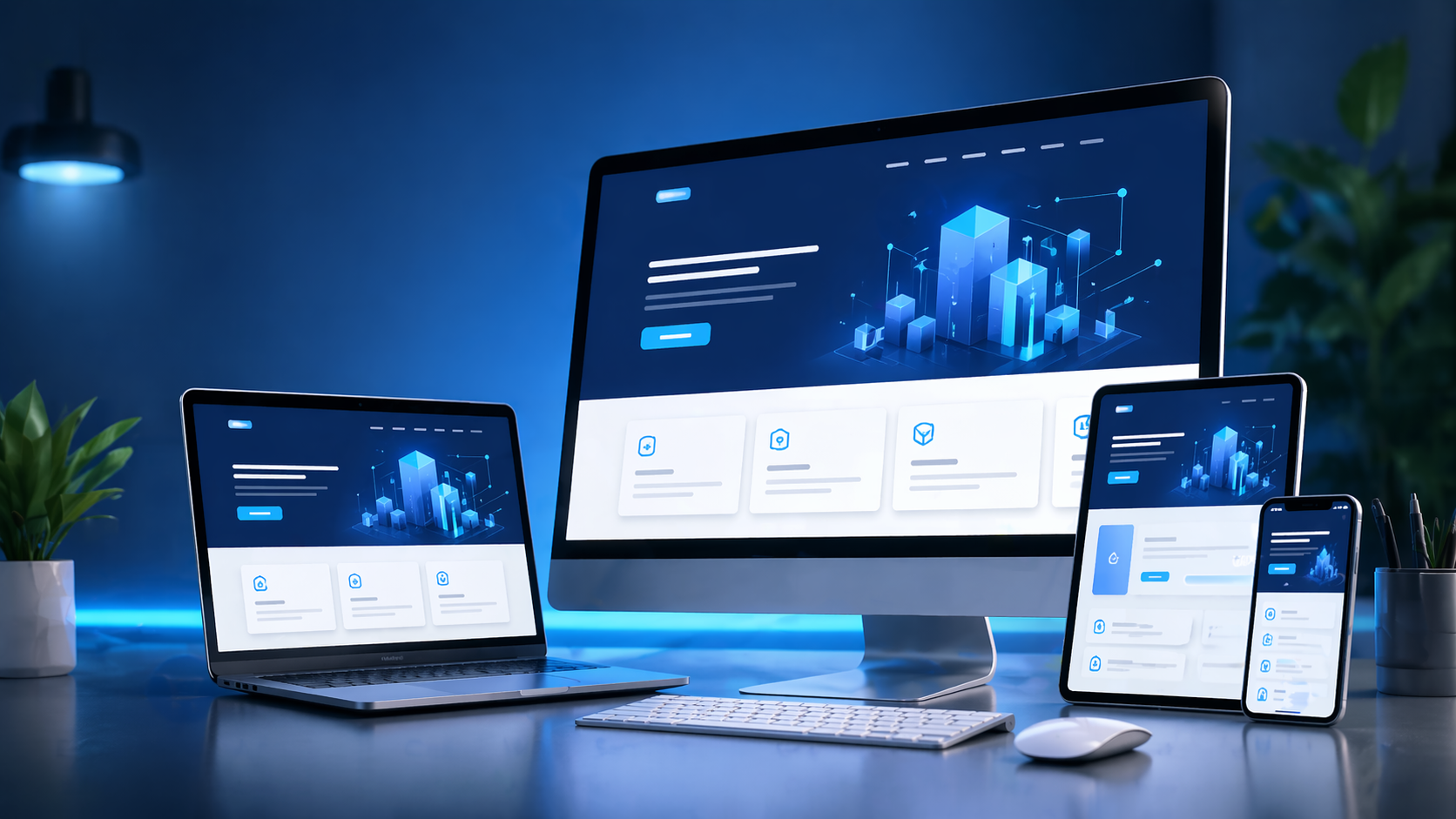
Why WordPress Still Needs a Development Company, Not Just a Theme
Anyone can install WordPress in five minutes. The problems show up six months later: a page builder that has bloated every page with 300KB of unused CSS, a stack of 22 plugins fighting each other over jQuery versions, a client who can't add a new service without breaking the layout, or a site that fails Google's Core Web Vitals because the theme loads four font files and a slider library on every route. Urgent IT Solution builds WordPress sites the way we'd build any production web application - with version control, a defined content model, and a real reason for every plugin that gets installed - because WordPress is a CMS core plus PHP, MySQL, and whatever code you add to it, and the quality of that "whatever" is the entire product.
What "Custom WordPress Development" Actually Means Here
We don't treat WordPress as a drag-and-drop kit. Depending on the project, our build includes some combination of:
- Custom theme development from a Figma/PSD design, hand-coded in PHP with the WordPress Template Hierarchy, rather than a purchased theme with 40 unused features hidden in the settings panel.
- Block-based editing with Gutenberg or Advanced Custom Fields (ACF) for structured content - so a marketing person can edit a homepage's "featured services" block without touching HTML, and the front-end template controls the design, not the editor.
- Custom post types and taxonomies for anything that isn't a standard blog post - case studies, properties, doctors, products, job listings - modeled with `register_post_type()` and `register_taxonomy()` instead of forcing everything into generic "Pages."
- WooCommerce implementations for stores that need product variations, custom shipping logic, tax rules by region, or integration with an existing inventory or ERP system via REST API or webhooks.
- Custom plugins when a requirement (a booking form, a calculator, a member portal) doesn't have a clean, well-maintained plugin already solving it - written as a proper plugin with its own namespace and hooks, not shoved into `functions.php`.
- Headless or hybrid setups where WordPress serves content via the REST API or WPGraphQL to a React/Next.js front end, used when the client wants CMS convenience without shipping WordPress's front-end rendering to the browser.
Themes: Built, Not Just Installed
We start from `_s` (underscores) or a similarly minimal starter theme, or from scratch, and build only the templates the site needs: `front-page.php`, `single-{post-type}.php`, `archive-{post-type}.php`, and template parts for repeated components. This avoids the common failure mode of premium themes: a 2MB framework loaded to render a five-page brochure site. CSS is compiled from Sass or written with a utility approach, JavaScript is enqueued conditionally per template rather than site-wide, and images go through responsive `srcset` markup instead of one oversized file served everywhere.
Plugins: Audited, Not Accumulated
Every plugin we add has to justify its weight. Before adding anything, we check: is this functionality small enough to write as 40 lines in a custom plugin instead of installing a 15,000-line plugin for one feature? Is the plugin actively maintained (checked against its WordPress.org changelog and open GitHub issues)? Does it enqueue scripts on every page or only where needed? We commonly replace bloated all-in-one SEO or "page builder" plugins with lighter, purpose-specific alternatives once we understand what the client actually uses versus what came pre-installed.
Performance: Where Most WordPress Sites Lose Marks
Google's Core Web Vitals (LCP, CLS, INP) are the practical benchmark, and WordPress sites fail them for predictable reasons: unoptimized hero images, render-blocking CSS/JS from page builders, no caching layer, and database queries that pile up from poorly written plugins. Our standard performance pass includes:
- Object caching and a page cache (via a plugin like WP Rocket/W3 Total Cache, or server-level with Redis/Varnish depending on hosting)
- Image optimization and WebP/AVIF conversion at upload, with lazy loading below the fold
- Database cleanup - removing orphaned post meta, transient bloat, and revision history that slows queries
- Deferring or removing render-blocking scripts, and auditing Google Tag Manager containers that often carry more third-party scripts than the client realizes
Content Control: Solving the "Client Broke the Layout" Problem
The recurring complaint we hear before a rebuild is that the previous site couldn't be safely edited - one paragraph change and a column collapses. We solve this with ACF-driven flexible content fields or Gutenberg block patterns that constrain what an editor can change (text, images, a limited set of layout variants) while locking the actual grid and spacing in the template code. The result is a site the client's marketing team can genuinely maintain - adding blog posts, updating pricing tables, publishing new case studies - without a developer on standby for every text edit.
Security and Maintenance Realities
WordPress's popularity makes it a constant target for automated attacks, mostly through outdated plugins, weak admin credentials, or unpatched core versions. Our baseline covers limiting login attempts, disabling file editing from wp-admin, keeping core/plugins/themes on a tested update schedule rather than blind auto-updates, and taking off-site backups before any update batch. For higher-traffic or e-commerce sites, we also review user roles and capabilities so that "editor" accounts can't accidentally access billing or plugin settings.
Migrations and Rebuilds
A large share of our WordPress work is not greenfield - it's migrating from Wix, Squarespace, an old Joomla/Drupal install, or a badly built existing WordPress site. This involves mapping the old URL structure to the new one with proper 301 redirects (to protect existing SEO rankings), auditing which content is worth carrying forward versus retiring, and rebuilding templates cleanly instead of patching over the old theme's technical debt.
How a Project Runs
1. Content and Structure Mapping
Before any design work, we map out post types, taxonomies, and the fields each content type needs. This becomes the site's information architecture and prevents mid-project restructuring.
2. Design and Template Build
Designs are built as reusable template parts, not one-off page layouts, so new pages can be assembled from existing components rather than custom-coded each time.
3. Development, Staging, QA
Development happens on a staging environment with version control (Git); QA covers responsive breakpoints, form submissions, plugin conflicts, and page speed testing before go-live.
4. Launch and Handover
Launch includes DNS/SSL setup, redirect mapping if migrating, and a short training session so the client's team knows exactly how to use the content fields we built for them.
When WordPress Is the Right Choice - and When It Isn't
WordPress fits well for content-heavy business sites, blogs, service businesses, and mid-size e-commerce via WooCommerce. It's a weaker fit for highly interactive web applications with complex state management or real-time features - those are usually better served by a custom-coded application or a headless WordPress/React hybrid. Part of our job is telling clients honestly which category their project falls into before we start building.
