
What Building on Flutter Actually Means
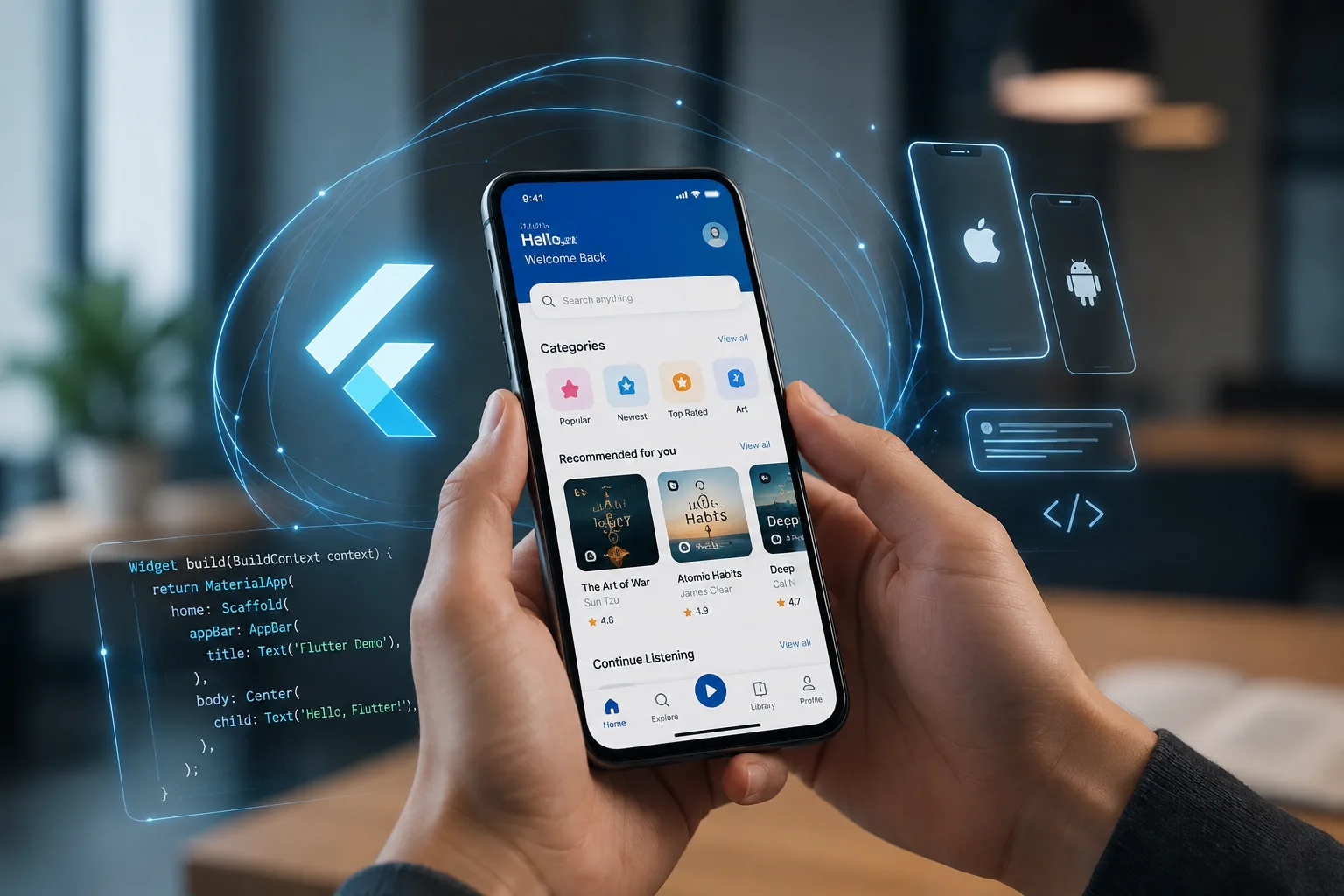
Flutter is Google's UI toolkit built around Dart and a single rendering engine (Skia, or Impeller on newer targets) that draws every pixel itself instead of wrapping native platform widgets. That single fact drives most decisions on a Flutter project: you get pixel-consistent UI across Android, iOS, web and desktop from one codebase, but you also need native bridges (via platform channels or plugins) whenever the app has to touch something Flutter doesn't render itself - camera hardware quirks, background location, Bluetooth Low Energy, biometric prompts, or payment SDKs like Razorpay, Stripe or in-app purchases. A Flutter app development company that only knows how to lay out widgets and ignores this bridging layer will hit a wall the moment a client asks for something platform-specific.
At Urgent IT Solution, we treat Flutter as a serious cross-platform engineering stack, not a shortcut to skip native development. That means real decisions upfront: which state management approach fits the app's complexity (Provider and Riverpod for small to mid-size apps, Bloc/Cubit for apps with heavy business logic and testability requirements, GetX where speed of delivery matters more than strict architecture), how navigation is structured (go_router vs Navigator 2.0 directly), and where the app needs a native module written in Kotlin/Swift versus a pure Dart package from pub.dev.
Who Actually Needs a Flutter App Instead of Native or React Native
Flutter makes the most sense when the same product has to ship on Android and iOS on a tight timeline and budget, when the UI is custom and animation-heavy (Flutter's widget-per-pixel model handles bespoke design systems well), or when the team wants one codebase to also produce a web dashboard or desktop companion app later using the same business logic. It's a poor fit when an app depends heavily on deep OS integration that changes every release cycle (some AR/VR, certain background processing edge cases), or when the client already has a large native codebase they want to extend rather than replace.
We typically build Flutter apps for: on-demand service and delivery apps that need real-time tracking (Google Maps SDK plus a WebSocket or Firebase Realtime Database layer), B2B field-service and inventory apps that run on Android tablets and need offline-first sync (using Drift/SQLite or Hive with a queued sync engine), D2C and marketplace apps needing a fast MVP with room to scale, and internal enterprise tools where one Flutter codebase replaces separate Android and iOS builds a client was maintaining in parallel.
Where We Draw the Line on "Cross-Platform"
We're upfront that "one codebase" doesn't mean zero platform-specific work. Push notifications still need separate APNs and FCM configuration. App Store review guidelines (especially around subscriptions, data collection disclosures and sign-in with Apple) require platform-specific handling in code and in App Store Connect metadata. We scope this native configuration work explicitly rather than folding it into a vague "development" line item, so there are no surprises at submission time.
Our Technical Approach
Architecture and State Management
We default to a layered architecture - presentation (widgets), business logic (Bloc/Cubit or Riverpod), and data (repositories talking to REST, GraphQL or Firebase) - because it keeps UI changes from cascading into logic bugs and makes the codebase testable. For simpler apps or fast MVPs we'll scale this down deliberately rather than over-engineer a five-screen app with the same rigor as a fifty-screen one.
Backend and API Integration
Flutter apps we build connect to whatever backend fits the project - a Node.js/Express or NestJS REST API, a Laravel backend, Firebase (Firestore, Auth, Cloud Functions) for faster builds, or an existing enterprise API the client already runs. We use Dio or the http package with interceptors for auth token refresh, retry logic and centralized error handling, rather than scattering raw HTTP calls through the widget tree.
Testing and CI/CD
Widget tests and unit tests on business logic run before integration tests on real device farms for the screens that matter most (checkout, auth, payment flows). We set up CI pipelines (GitHub Actions, Codemagic or Bitrise) that run `flutter analyze`, tests, and build signed APK/AAB and IPA artifacts automatically, so releases aren't a manual, error-prone process done from someone's laptop.
Store Release and Compliance
We handle Play Console and App Store Connect setup, code signing, privacy policy and data-safety form completion, and respond to review rejections - a step that catches first-time app teams off guard when Apple flags a missing account-deletion flow or unclear data usage disclosure.
Common Technical Trade-Offs We Discuss With Clients
- Firebase vs custom backend: Firebase speeds up MVP delivery and handles auth/push/storage out of the box, but locks you into its query model and pricing curve as data volume grows; a custom Node.js or Laravel backend costs more upfront but gives full control over data structure and hosting.
- Flutter Web maturity: Flutter can produce a web build from the same codebase, but SEO, initial load size and accessibility support still lag behind a dedicated React/Next.js site - we recommend it for internal dashboards and admin panels, not public marketing-facing sites.
- Third-party plugin risk: Not every pub.dev package is maintained; we vet plugin activity, GitHub issue backlog and null-safety support before depending on one for anything payment- or security-related, and we'll write a thin native platform channel ourselves rather than depend on an abandoned package.
- App size and startup time: Flutter binaries are larger than pure native ones; we manage this with deferred component loading, tree-shaking unused code, and asset optimization rather than ignoring it until a client complains about download size.
What You Actually Get
Deliverables typically include: the full Flutter/Dart source repository with a documented folder structure, API contracts or Firebase schema documentation, signed release builds submitted to Play Store and/or App Store, a CI/CD pipeline configuration, and a short handover walkthrough covering how to add screens, run builds locally, and rotate API keys or signing certificates. For clients who want ongoing work, we also support post-launch: Flutter SDK upgrades (which can introduce breaking changes across major versions), crash monitoring via Firebase Crashlytics or Sentry, and incremental feature builds.
How Discovery and Estimation Work
Before quoting a fixed timeline, we ask for the actual screen list, the specific third-party integrations needed (payment gateway, maps, chat SDK, ERP/CRM connection), and whether offline support is required - because offline-first sync logic alone can double the estimate for a data-heavy app compared to an always-online one. We break the build into milestones tied to working builds (auth and core navigation, primary user flow, secondary features, polish and store submission) rather than vague percentage-complete reporting, so progress is something you can install on a phone and test at each stage.
