
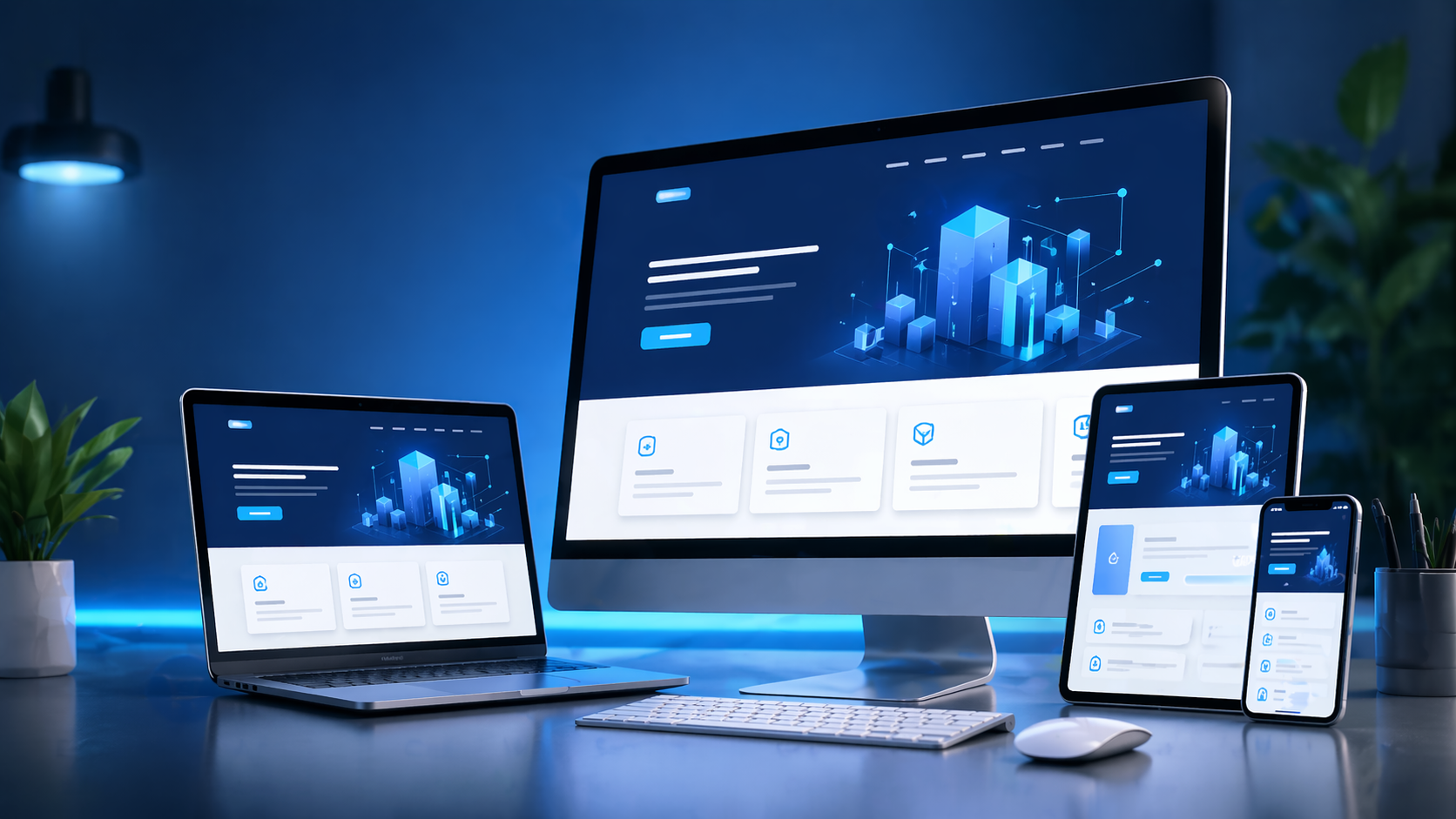
What Makes a Website "Dynamic" in Practice
A dynamic website pulls its content from a database at the moment a page loads, instead of serving fixed HTML files that only change when someone edits code. If your product prices, blog posts, job listings, inventory counts, or user accounts need to change without a developer touching the source files, you need a dynamic build. This is the technical line between a brochure site and a working web application, and it's the reason a five-page static template can't do what a product catalog, a booking engine, or a member portal needs to do.
Concretely, a dynamic site involves a server-side language (PHP, Node.js, Python, or .NET depending on the stack), a database (MySQL, PostgreSQL, or MongoDB), and a templating or rendering layer that assembles pages on request. Add caching, and the same architecture can serve pages fast enough to compete with static sites on speed while still being fully editable from an admin panel.
Core Components We Build
Database Schema and Content Models
Before any screen is designed, we map out the actual data: products, categories, orders, users, roles, bookings, articles, whatever the business runs on. We design normalized tables (or collections, for MongoDB-based builds) so that updating a price or a description doesn't mean editing ten different pages. Poor schema design is the single most common reason dynamic sites become slow or unmaintainable later, so this step gets real time, not a template.
Custom Admin Panel
Off-the-shelf CMS admin screens rarely match how a specific business actually works. We build (or heavily customize) admin interfaces so non-technical staff can add products, edit landing page copy, manage form submissions, approve user accounts, or update banners - with role-based permissions so, for example, a marketing user can't touch pricing tables and a warehouse staffer can't edit page copy.
Server-Side Logic and APIs
This is where business rules live: discount calculations, availability checks, form validation, third-party integrations (payment gateways, SMS/email providers, CRMs, ERPs). We build these as clean REST or GraphQL endpoints so the same logic can later power a mobile app or a partner integration without a rewrite.
Front-End Rendering
Depending on SEO and performance needs, we choose between server-side rendering, static generation with periodic rebuilds, or client-side rendering with an API backend. A content-heavy site that needs to rank in search gets a different rendering strategy than an internal dashboard used only by logged-in staff.
Typical Use Cases
- E-commerce catalogs where stock, pricing, and variants change daily and need to reflect instantly across the storefront.
- Real estate or classifieds portals with search, filters, and listings added by multiple agents or sellers.
- Membership and subscription sites where content access depends on login state and plan type.
- Corporate sites with frequent updates - job openings, press releases, branch locations - managed by internal marketing teams.
- Booking and reservation systems for clinics, salons, rental businesses, or event venues, with real-time availability logic.
If none of your content changes more than twice a year, a dynamic build is often overkill and a static site with a lightweight CMS is the more sensible, cheaper choice - we'll say so during scoping rather than sell a bigger build than the situation calls for.
Technology Choices and Trade-offs
We don't default to one stack for every client. A PHP/MySQL build (often on a framework like Laravel) is fast to develop and easy to host cheaply, which suits most business and content sites. A Node.js/Express with MongoDB or PostgreSQL stack fits projects needing real-time features (live availability, chat, notifications) or heavy API traffic. For teams that already run on Microsoft infrastructure, .NET with SQL Server keeps things consistent with existing IT policy. We walk through these trade-offs with the client - hosting cost, hiring pool for future maintenance, and expected traffic patterns all factor into the recommendation, not just what's trendy.
Performance and Security Considerations Specific to Dynamic Sites
Every database query on a dynamic page is a potential slowdown and a potential attack surface. We implement query caching and, where relevant, a caching layer (Redis or built-in framework caching) so repeat visitors aren't hitting the database for content that hasn't changed. On the security side, dynamic sites need parameterized queries or ORM usage to prevent SQL injection, CSRF tokens on forms, rate limiting on login and API endpoints, and sanitized file uploads if the admin panel allows media uploads - this last one is a common oversight that leads to compromised servers.
What the Build Process Looks Like
1. Data and Workflow Mapping
We document what content types exist, who edits them, how often, and what business rules govern them (e.g., "out-of-stock items should auto-hide from category pages").
2. Schema and Architecture
Database design, API structure, and choice of rendering approach get locked before front-end design starts, since retrofitting architecture after the UI is built causes rework.
3. Parallel Front-End and Back-End Development
Designers and back-end developers work against an agreed API contract so both sides move without blocking each other.
4. Admin Panel Walkthroughs Before Launch
We sit the actual staff who'll use the admin panel through real editing tasks before go-live, not just the client's technical lead - this catches usability issues that only surface when someone unfamiliar with the build tries to add a product or edit a page.
5. Post-Launch Support
Dynamic sites need ongoing attention: database backups, security patches for the framework and its dependencies, and monitoring for slow queries as content volume grows. We set up automated backups and a patching schedule as part of handover, not as an afterthought.
How This Differs From a Static Site or a Generic CMS Template
A generic WordPress or Wix setup gives you a dynamic site in the broad sense, but the data model and admin experience are built for a general audience, not your specific workflow. Our approach starts from your actual content and process, then decides whether an existing CMS (WordPress, headless CMS like Strapi) is a good fit or whether a custom-built admin panel is worth the extra development time. Many projects land on a hybrid: a headless CMS for content editors, with custom code handling the business logic a generic CMS can't express - like commission calculations or multi-location inventory sync.
