
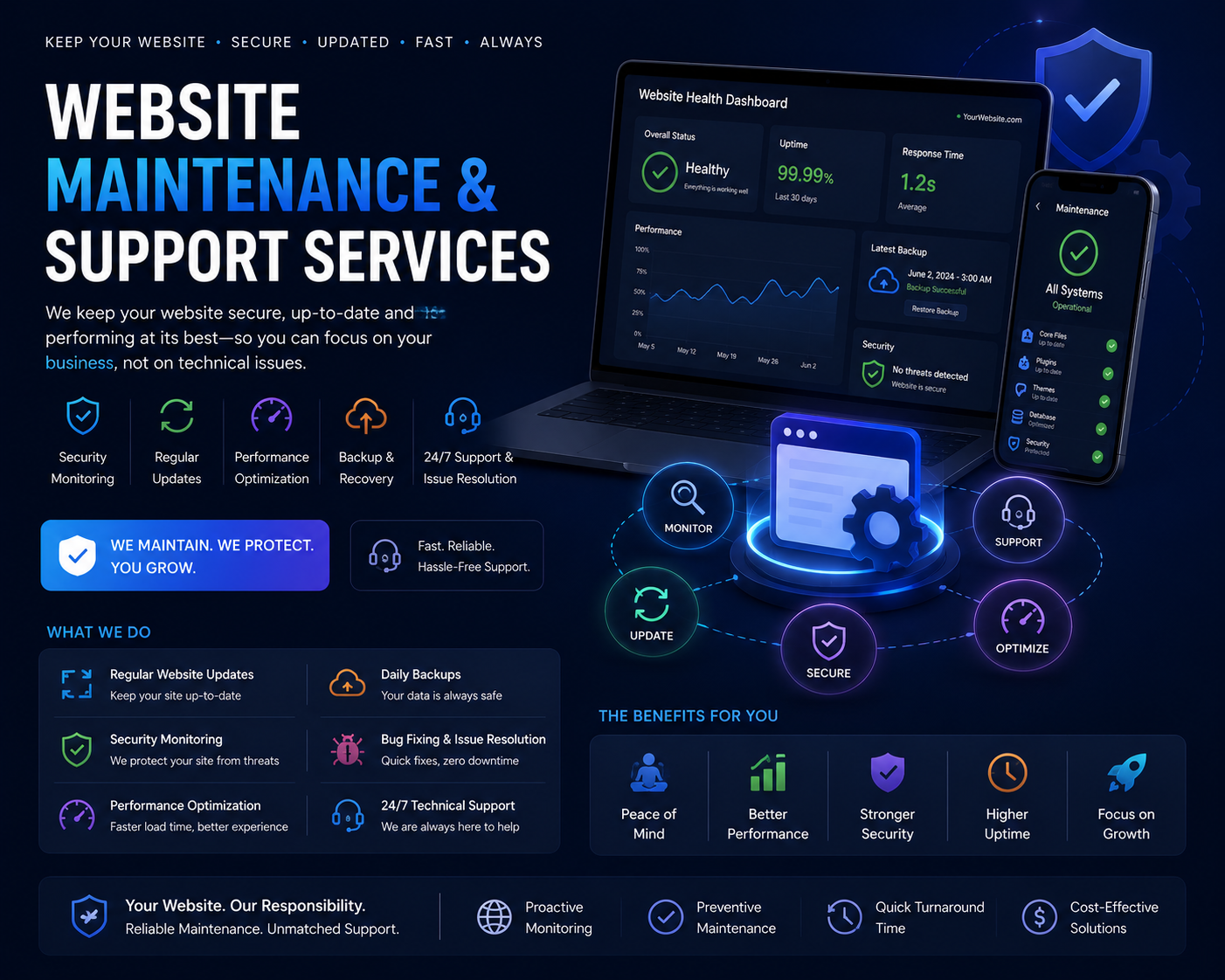
Why Websites Break Down Even When Nobody "Touches" Them
A website that was working perfectly at launch starts failing quietly six months later - a plugin update conflicts with a theme function, an SSL certificate expires unnoticed, a contact form silently stops sending emails after a hosting migration, or a Core Web Vitals score drops because a marketing team added five new tracking scripts. None of this shows up unless someone is actively watching logs, uptime pings, and performance reports. Website maintenance at Urgent IT Solution is built around that reality: it is not a one-time cleanup, it is a recurring technical routine that catches these failures before visitors or search engines do.
What Falls Under "Maintenance" in Practice
Core, Plugin and Dependency Updates
For WordPress sites this means staging-tested updates to core, themes and plugins - never blind auto-updates on production. For Shopify and other SaaS platforms, it means tracking app updates and theme changes that can silently override custom code in theme.liquid or section files. For custom-built sites on Node.js, PHP (Laravel), or Python (Django), it means patching npm/composer/pip dependencies flagged for known CVEs and re-testing build pipelines after each update.
Uptime, Server and Malware Monitoring
We set up automated uptime checks (typically at 1-5 minute intervals) that alert via email or messaging apps the moment a site goes down or returns 5xx errors. This is paired with malware and file-integrity scanning to catch injected scripts, defaced pages, or unauthorized admin accounts - a common outcome of outdated plugins or weak hosting-level firewalls.
Backups That Are Actually Restorable
A backup nobody has tested is not a backup. We configure automated daily or weekly backups (database plus files) stored off-server, and periodically run test restores to a staging environment to confirm the backup isn't corrupted or incomplete - a step most cheap maintenance plans skip entirely.
Broken Links, Forms and Third-Party Integrations
Payment gateways, CRM webhooks, email delivery (SMTP/SendGrid/Mailgun), Google Maps embeds, and chat widgets all depend on external APIs that change their terms or deprecate endpoints without much warning. Maintenance includes periodic checks that lead-capture forms actually deliver to the inbox or CRM they're supposed to, that checkout flows complete end-to-end, and that internal/external links haven't rotted.
Performance and Core Web Vitals Upkeep
Every added plugin, script, tracking pixel, or unoptimized image chips away at page speed. We periodically re-run Lighthouse/PageSpeed Insights audits, recompress and lazy-load new media, review render-blocking scripts, and adjust caching rules (browser cache, CDN, object cache) so LCP and CLS don't silently drift upward as content gets added over time.
Which Kind of Business Actually Needs an Ongoing Plan (Not a One-Off Fix)
Sites that run lead-generation forms, e-commerce checkouts, membership logins, or booking systems have the most to lose from downtime or a broken form - every hour offline is measurable in missed inquiries or abandoned carts. Content-heavy sites (blogs, news, multi-author publications) need a different kind of maintenance: regular checks for outdated information, broken outbound links, and image optimization as the media library grows. Multi-vendor or multi-location sites with several editors logged in daily need tighter user-role audits and login-attempt monitoring. We scope the retainer differently for each of these - a static brochure site with five pages does not need the same cadence as a WooCommerce store processing daily orders.
How We Structure a Maintenance Engagement
Audit Before Retainer
We start with a technical audit: current CMS/framework version, plugin/app inventory, hosting environment, DNS and SSL configuration, existing backup setup (if any), and a security scan. This tells us what's already broken or at risk before we quote a monthly plan, instead of pricing blind.
Defined SLA and Response Windows
Every retainer specifies what "urgent" means in hours - typically a shorter response window for full outages or security breaches than for a content typo fix. This is documented upfront so there's no ambiguity when something actually breaks at 11pm on a weekend.
Monthly Reporting, Not a Black Box
Clients get a monthly summary covering updates applied, backups verified, uptime percentage, any incidents and how they were resolved, and outstanding recommendations (e.g., "this plugin is abandoned by its developer, we recommend replacing it with X"). This is where maintenance stops being a recurring invoice and starts being a technical decision-making input.
Where Maintenance Overlaps With Bigger Decisions
A maintenance retainer regularly surfaces issues that go beyond patching - a theme that's years out of date and blocking a needed plugin, a hosting plan that's undersized for current traffic, or a codebase that's accumulated enough technical debt that a partial rebuild is cheaper long-term than continued patching. Because our team also handles website development, custom software and SEO, these findings get flagged with a realistic recommendation rather than being maintained indefinitely just to keep the retainer running.
What We Deliver on a Typical Retainer
- Documented update log for core, theme/plugin, and dependency changes
- Uptime and malware monitoring with alerting
- Verified, restorable backup schedule
- Broken-link and form/integration checks on a set cadence
- Periodic performance and Core Web Vitals review
- Monthly report with incidents, actions taken, and open recommendations
- Defined SLA response times for critical vs. minor issues
What This Doesn't Cover
Maintenance retainers are not a substitute for a redesign, a new feature build, or an SEO content strategy - those are scoped and quoted separately once the audit or ongoing reporting identifies the need. Keeping this boundary clear from the start avoids the common trap where "maintenance" quietly turns into unpaid feature development, and it keeps the monthly retainer focused on what it's actually meant to do: stop the site from breaking, and catching it fast when it does.
