
Why Businesses Move Away from Off-the-Shelf ERP
Most companies looking for ERP software development have already tried something else first - Tally stretched past its limits, a generic SaaS ERP with modules nobody uses, or three separate tools (accounting, inventory, HR) that don't talk to each other. The trigger is usually operational, not aspirational: stock counts don't match between warehouse and sales, finance closes the books two weeks late because data has to be re-entered manually, or a franchise/branch network has no single view of what's happening across locations. A custom-built ERP is justified when the cost of reconciling data manually, or licensing per-user fees on modules you don't need, exceeds the cost of building exactly what your process requires.
What Actually Goes Into an ERP Build
Process mapping before a single screen is designed
We start by documenting the current workflow end-to-end - purchase requisition to payment, or lead to invoice to delivery - including the exceptions and manual workarounds staff already use, because those workarounds usually reveal a gap the new system has to cover. This produces a module list, a data model, and a list of integrations (payment gateways, GST/e-invoicing APIs, courier or logistics APIs, existing accounting software) before any development begins.
Core modules we typically build
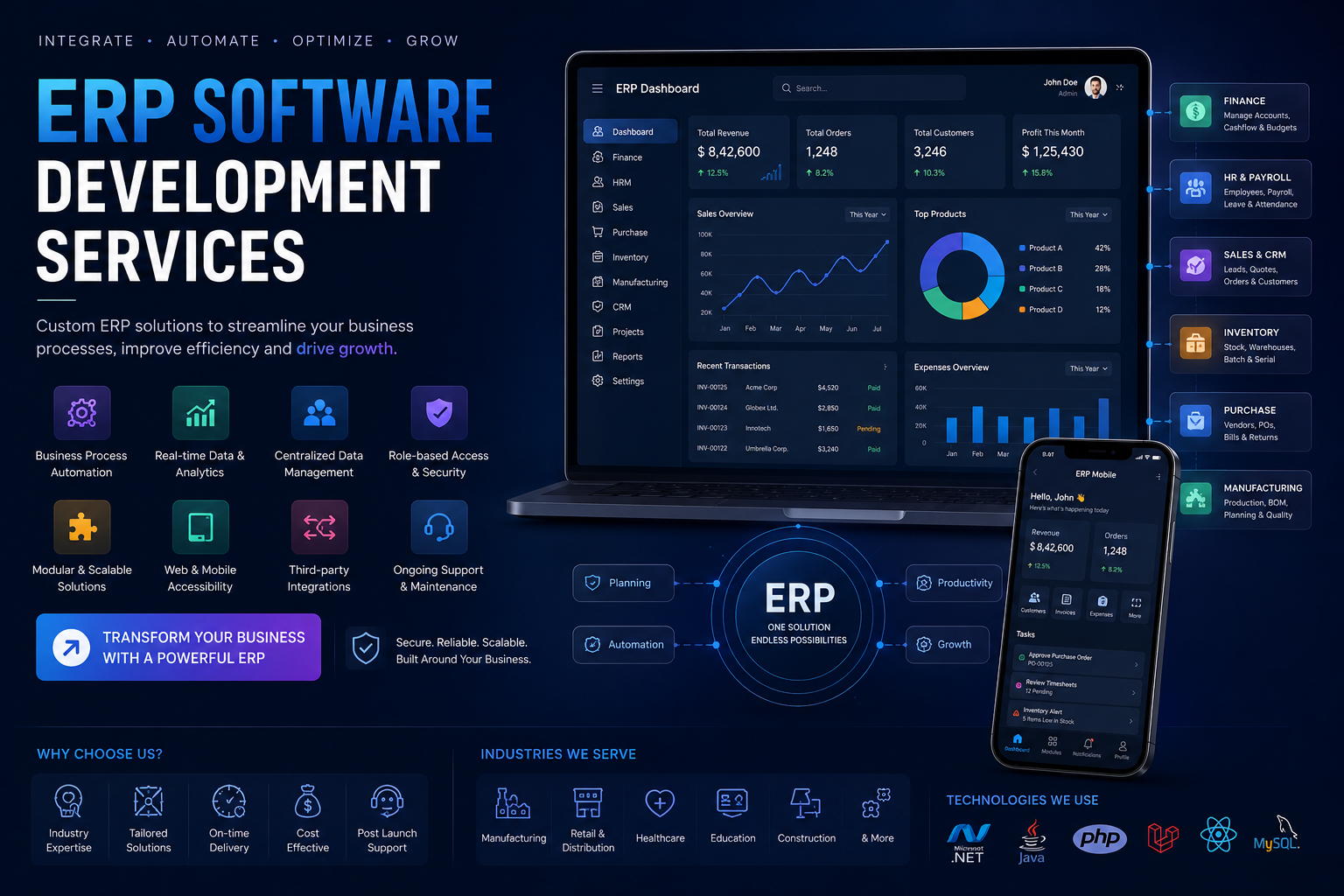
- Inventory and warehouse management - multi-location stock, batch/serial tracking, reorder alerts, barcode/QR scanning support
- Finance and accounts - ledgers, GST-compliant invoicing, payment reconciliation, multi-currency where relevant
- Procurement - purchase orders, vendor management, approval chains, landed cost calculation
- Sales and CRM overlap - quotations, order tracking, customer credit limits
- HR and payroll - attendance, leave, payroll runs, statutory compliance fields
- Production/manufacturing (where applicable) - BOM management, work orders, machine/labor scheduling
- Reporting and dashboards - role-based views for owners, managers, and department heads
Not every project needs all of these. A distribution business may only need inventory, procurement and finance tightly integrated; a manufacturing unit needs production scheduling and BOM costing as the core, with finance as a downstream module.
Technology decisions we make and why
We build ERP systems primarily as web applications with a relational database (PostgreSQL or MySQL) backing the transactional core, using Node.js or PHP/Laravel on the backend depending on team familiarity and the client's long-term maintenance plans, and React or Vue for the front end where dashboards and data entry speed matter. For businesses that need offline capability at a warehouse or factory floor with intermittent connectivity, we design a local-first data layer that syncs when the connection is available, rather than assuming permanent internet access. Multi-tenant architecture is used when a client plans to run the same ERP across multiple branches or sister companies from one codebase.
Custom Build vs. Customizing an Existing ERP
Before committing to a ground-up build, we evaluate whether customizing an open-source base (like ERPNext/Frappe) or extending a mid-market product actually solves the problem faster and cheaper. Customizing an existing framework makes sense when your process is close to standard practice and you mainly need workflow tweaks and reports. A fully custom build makes sense when your core process - a specific manufacturing sequence, a unique commission or pricing structure, a regulatory reporting format - doesn't map onto any existing product without heavy workarounds. We say this upfront during scoping rather than defaulting to "custom" because it's the more expensive path for us to build.
Data Migration and the Part Most Vendors Underestimate
Moving from spreadsheets, Tally, or a legacy system into a new ERP is where projects usually slip on timeline. We treat data migration as a distinct phase with its own plan: cleaning duplicate customer/vendor records, mapping old chart-of-accounts codes to new ones, validating opening stock balances, and running the old and new systems in parallel for at least one billing cycle before full cutover. Skipping parallel run is the single most common cause of post-launch chaos in ERP projects, and we build it into the timeline rather than treating it as optional.
Integration Points
An ERP rarely stands alone. We commonly integrate with:
- Government compliance APIs - GST e-invoicing, e-way bill generation
- Payment gateways and bank reconciliation feeds
- E-commerce platforms (Shopify, WooCommerce) for order sync into inventory and finance
- Third-party logistics/courier APIs for shipment tracking
- Existing accounting software during a transition period, via scheduled data sync, before full migration
Access Control and Audit Trail
Because ERP systems hold financial and operational data across departments, role-based access control isn't an afterthought - we define permission levels (view, edit, approve) per module during the design phase, tied to actual job roles, and every transaction that changes stock, price, or ledger balance is logged with a timestamp and user ID. For businesses in regulated sectors or those undergoing periodic audits, this audit trail is usually a hard requirement, not a nice-to-have.
Rollout Approach
We generally push back on a "big bang" launch across every department simultaneously. A phased rollout - starting with the module that has the clearest ROI (usually inventory or finance) and adding modules once staff are comfortable - reduces the risk of a company-wide disruption if something needs adjustment. Each phase includes hands-on training sessions with the actual staff who will use the system daily, not just department heads, because adoption failures usually trace back to end users who weren't involved early.
Post-Launch: Support Contracts and Iteration
ERP systems need ongoing attention as tax rules change, new branches open, or reporting requirements evolve. We offer maintenance arrangements covering bug fixes, statutory compliance updates (like GST rate or format changes), and incremental feature additions, structured either as a monthly retainer or a defined SLA with response-time commitments, depending on how critical the system is to daily operations.
Who This Is a Fit For
Custom ERP development from Urgent IT Solution typically suits manufacturing units, multi-branch distributors, trading companies, and mid-sized service businesses that have outgrown spreadsheet-and-Tally combinations but don't want to pay recurring per-user SaaS fees for modules they don't use. If your process is genuinely standard - simple retail billing, basic single-location accounting - an existing off-the-shelf tool will likely serve you faster and cheaper, and we'll tell you that during the first conversation rather than pushing a custom build regardless of fit.
